
Daily Picks が作っている、WordPress と Google スプレッドシートの道具です。どれも無料版から使えて、必要な人だけ有料の機能を買い切りで足せます。利用者のデータを黙って書き換えないことを、全部の製品で守っています。
Tools made by Daily Picks for WordPress, WooCommerce and Google Sheets. Each one has a free version; paid add-ons are one-time purchases. None of them silently changes your data.
日本語の製品
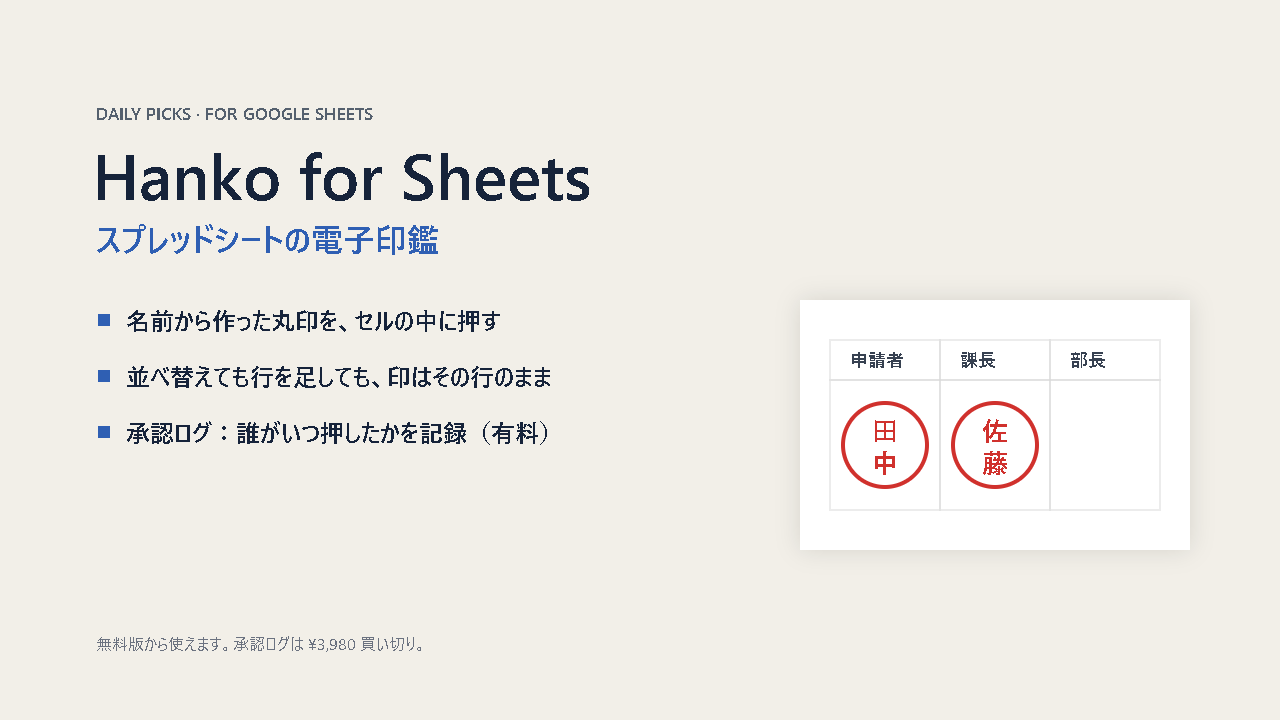
Hanko for Sheets(スプレッドシートの電子印鑑)
稟議書や申請書のスプレッドシートに、名前から作った丸印をセルの中に押します。並べ替えても行を足しても、押した行から動きません。有料の「承認ログ」は、誰がいつ押したかを改ざん検出つきで記録します(¥3,980 買い切り)。
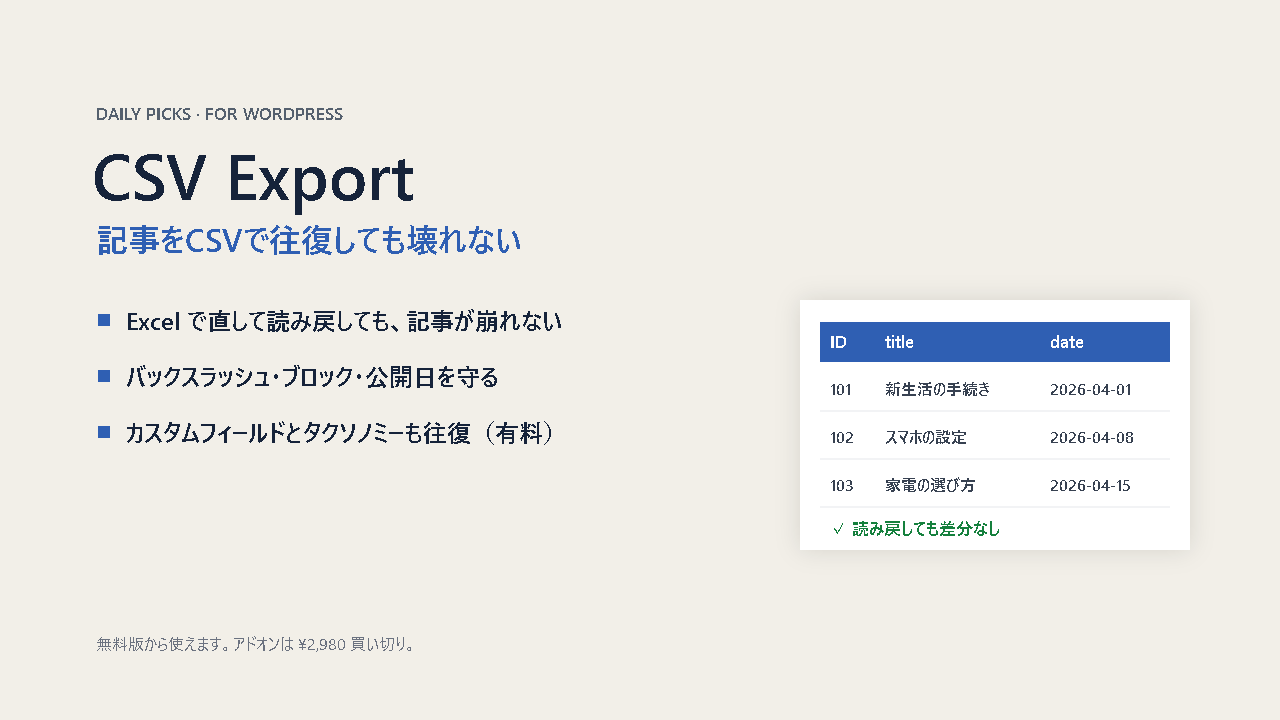
Daily Picks CSV Export(WordPress の記事をCSVで往復)
記事をCSVに書き出して Excel で直し、読み戻しても壊れないようにする WordPress プラグインです。バックスラッシュの消失、ブロックの崩れ、公開日のずれを防ぎます。有料アドオンはカスタムフィールドとタクソノミーの往復(¥2,980 買い切り)。
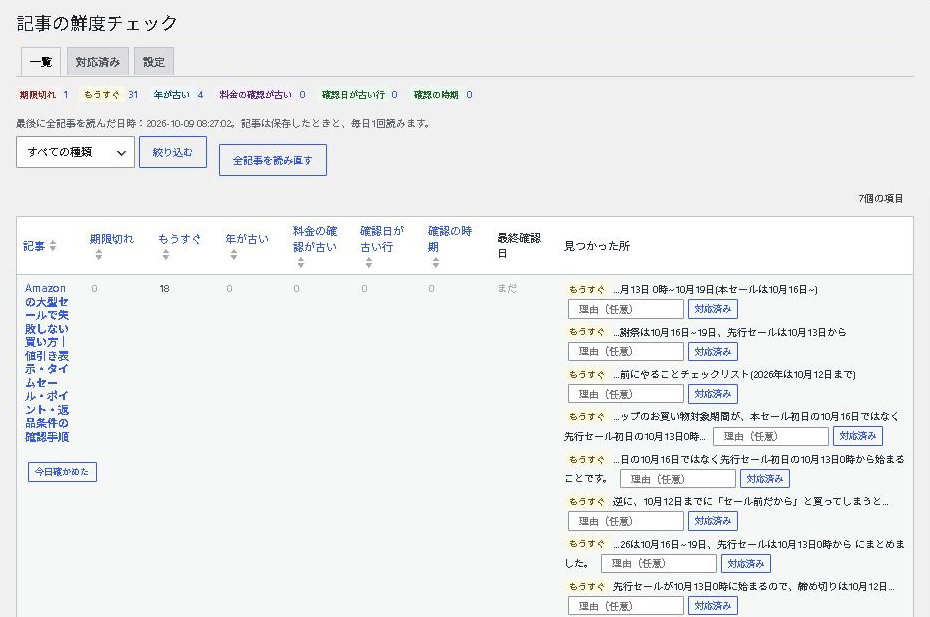
Content Freshness Check(記事の鮮度チェック)
記事に書いてある期限・料金・年と、表の行ごとの確認日を読んで、古くなった所を一覧にする WordPress プラグインです。記事は読むだけで書き換えません。無料。
For WooCommerce stores (English)
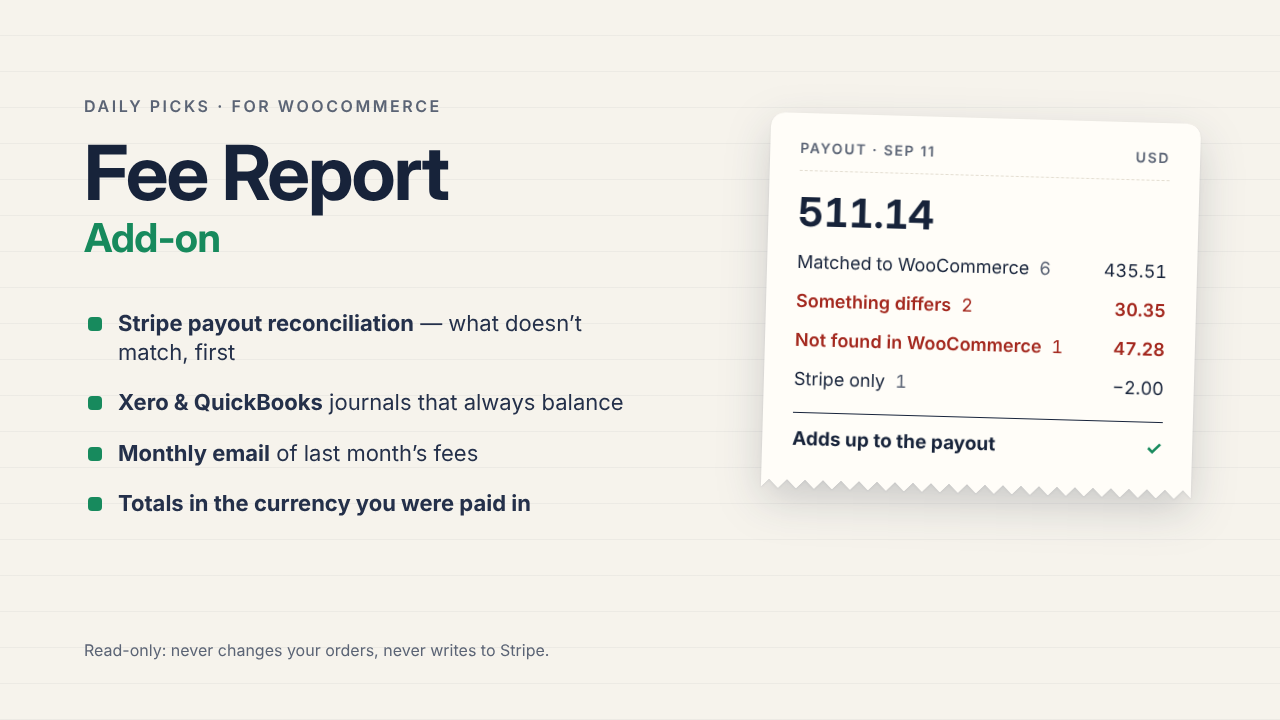
Daily Picks Fee Report for WooCommerce
See the Stripe and PayPal fees you actually paid, and what you actually kept, month by month — read from the amounts the payment plugins saved. Orders are never modified. The add-on reconciles every Stripe payout against your orders and exports journals for Xero and QuickBooks ($39, one-time).
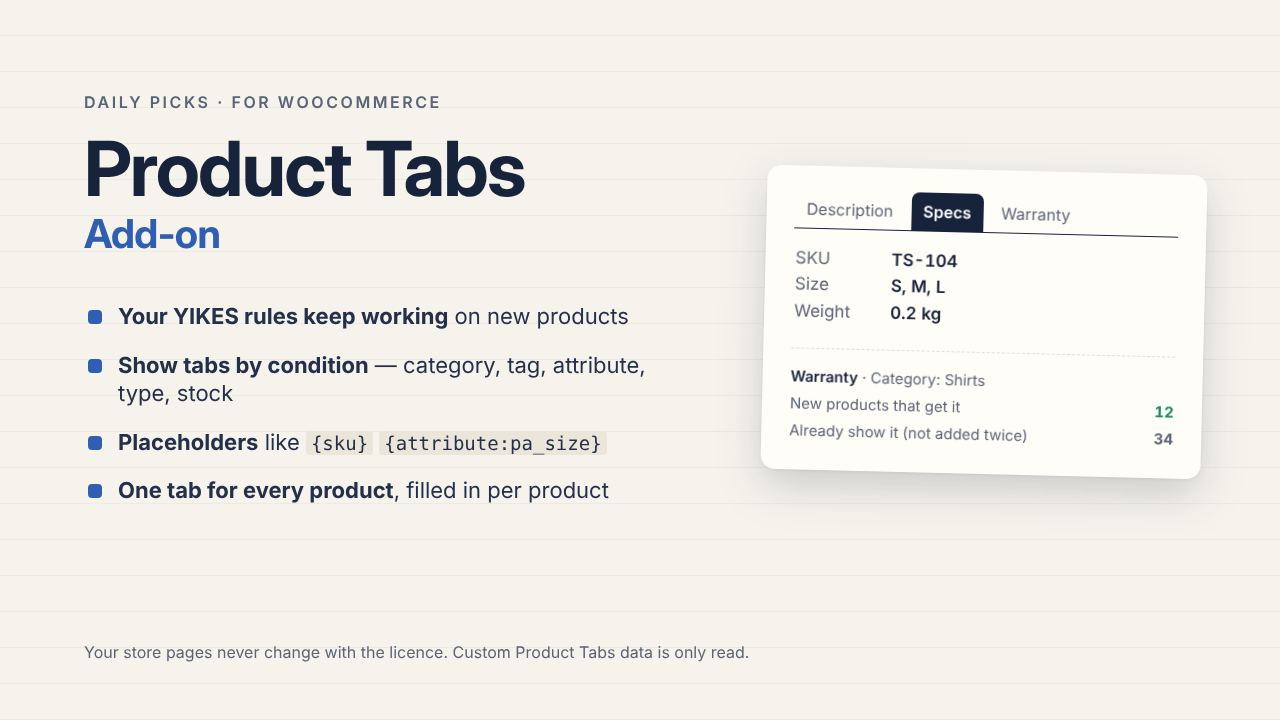
Daily Picks Product Tabs for WooCommerce
Replacing Custom Product Tabs for WooCommerce? Deactivate it and activate this — your tabs keep showing, with the same HTML, and nothing to migrate. The add-on brings over category and tag rules, shows tabs by condition, and fills one tab per product with placeholders ($39, one-time).
For Google Docs (English)
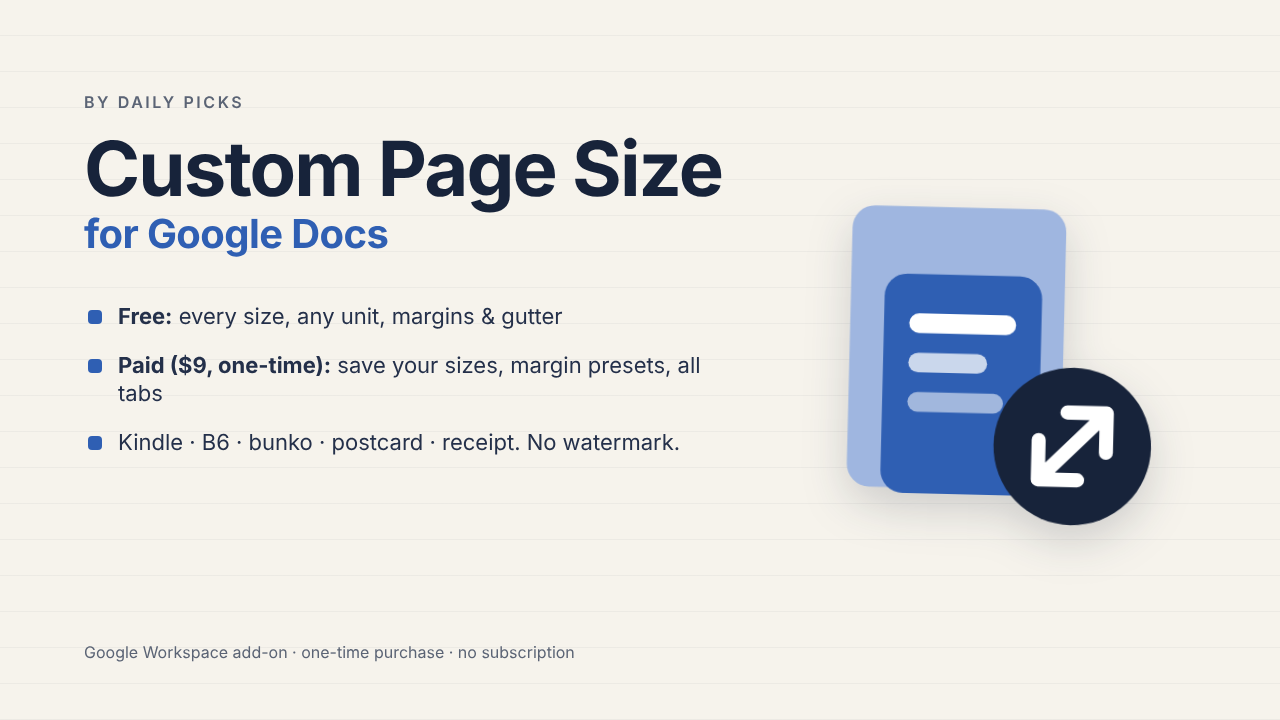
Custom Page Size for Google Docs
Set any page size in Google Docs — Kindle, B6, bunko, postcards, receipts and posters, in mm, cm or inches. Margins fit the new size, and you can undo. Every size is free; the paid version (saved sizes, margin presets, all tabs at once) is a one-time purchase.
Learn more →
User guide with screenshots →
使い方ガイド(日本語)→
Install from the Google Workspace Marketplace →
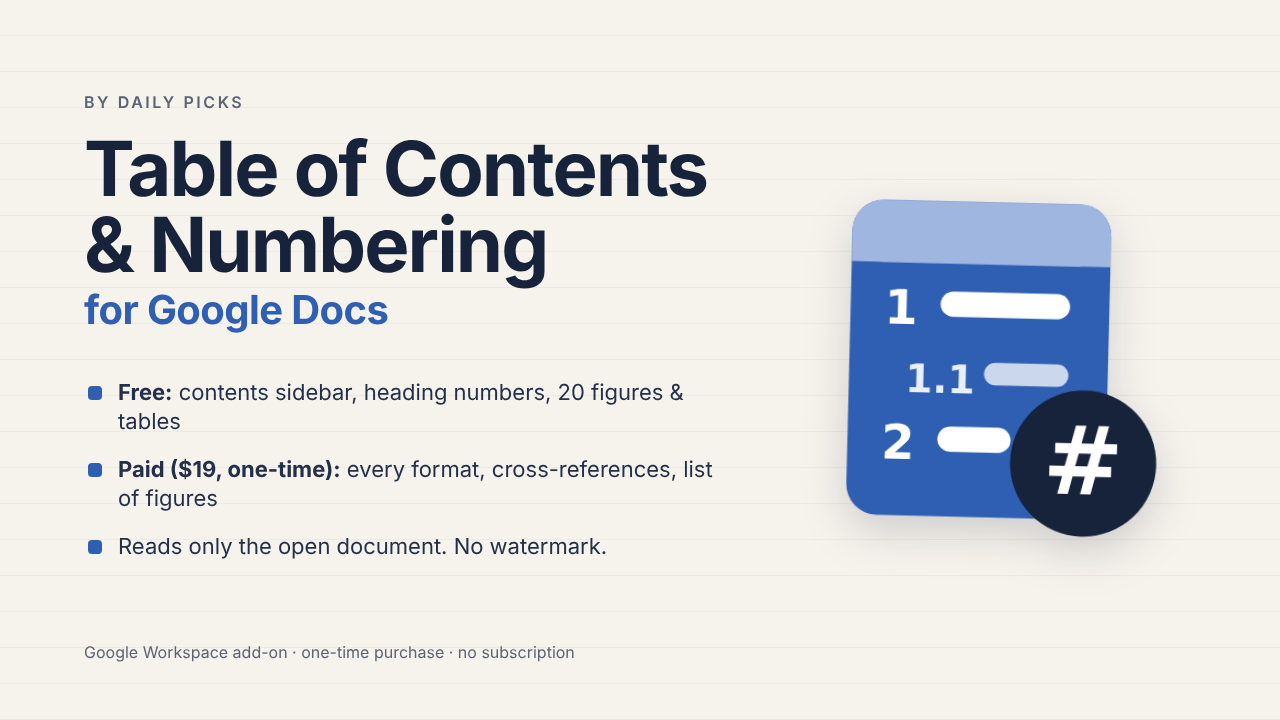
Table of Contents & Numbering
Add a clickable table of contents, automatic heading numbers, figure and table numbers, and cross-references to Google Docs™ — and renumber everything with one click after you edit. It reads only the document you have open. The paid version is a one-time purchase.
Learn more →
User guide with screenshots →
使い方ガイド(日本語)→
Install from the Google Workspace Marketplace →
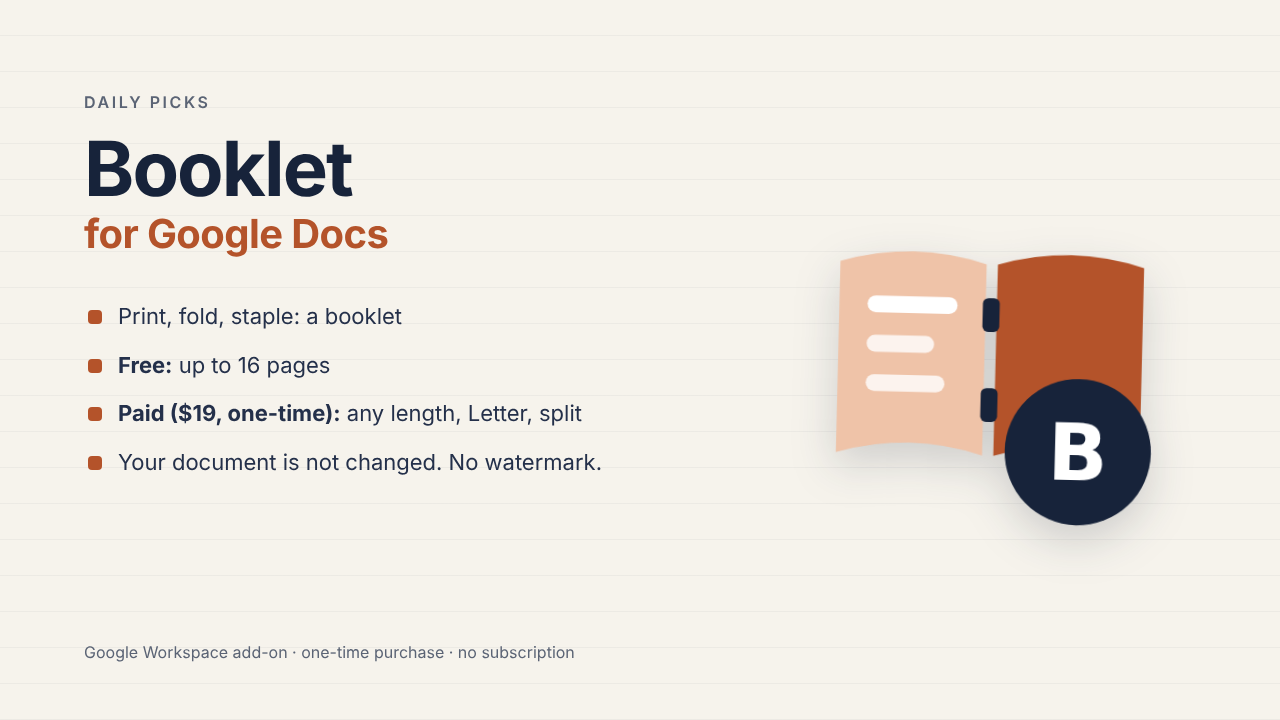
Pagefold for Docs
Turn a Google Doc into a booklet PDF: pages in saddle-stitch order, two per sheet. Print double-sided, fold and staple. Free up to 16 pages; the paid version is a one-time purchase. Try every paid feature free for 7 days.
Learn more →
User guide with screenshots →
使い方ガイド(日本語)→
Install from the Google Workspace Marketplace →
For Google Slides & Docs (English)
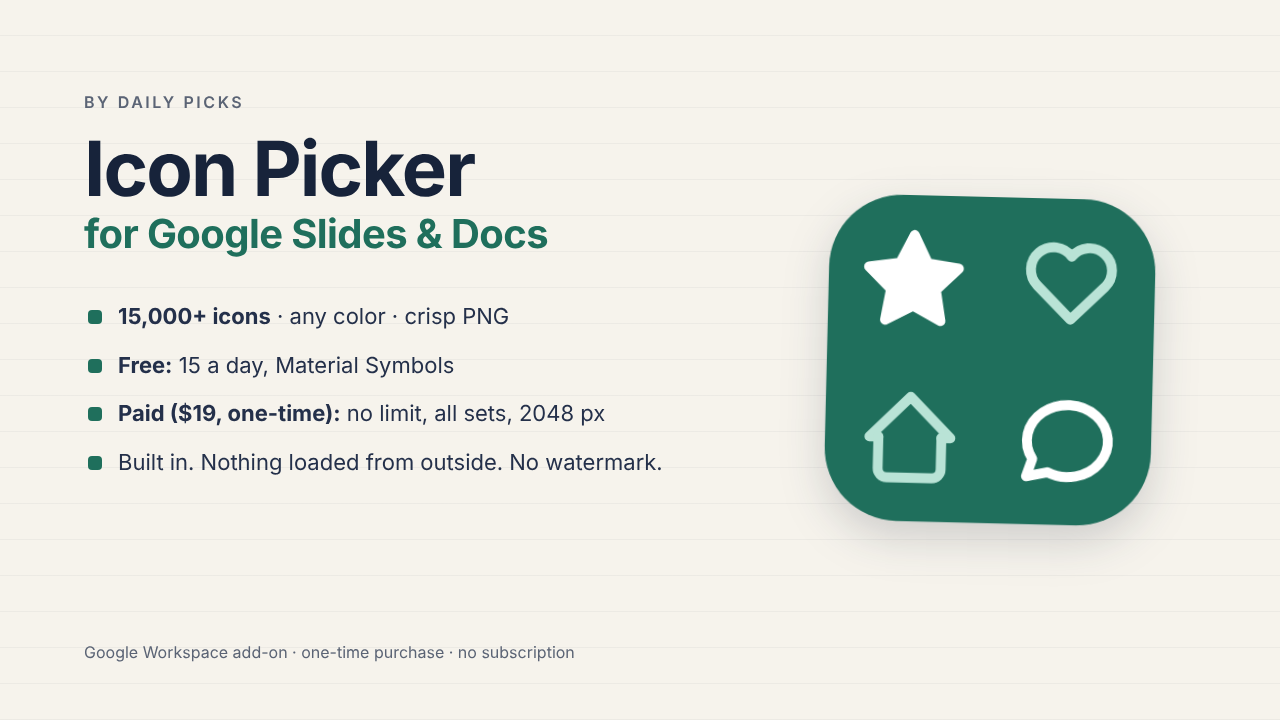
Icon Picker for Slides & Docs
Insert crisp icons into Google Slides and Docs — 15,000+ icons, any color. One-time purchase.
15,000 個以上のアイコンを、好きな色でくっきりとスライドと文書に。買い切り
Learn more →
User guide with screenshots →
使い方ガイド(日本語)→
Install from the Google Workspace Marketplace →
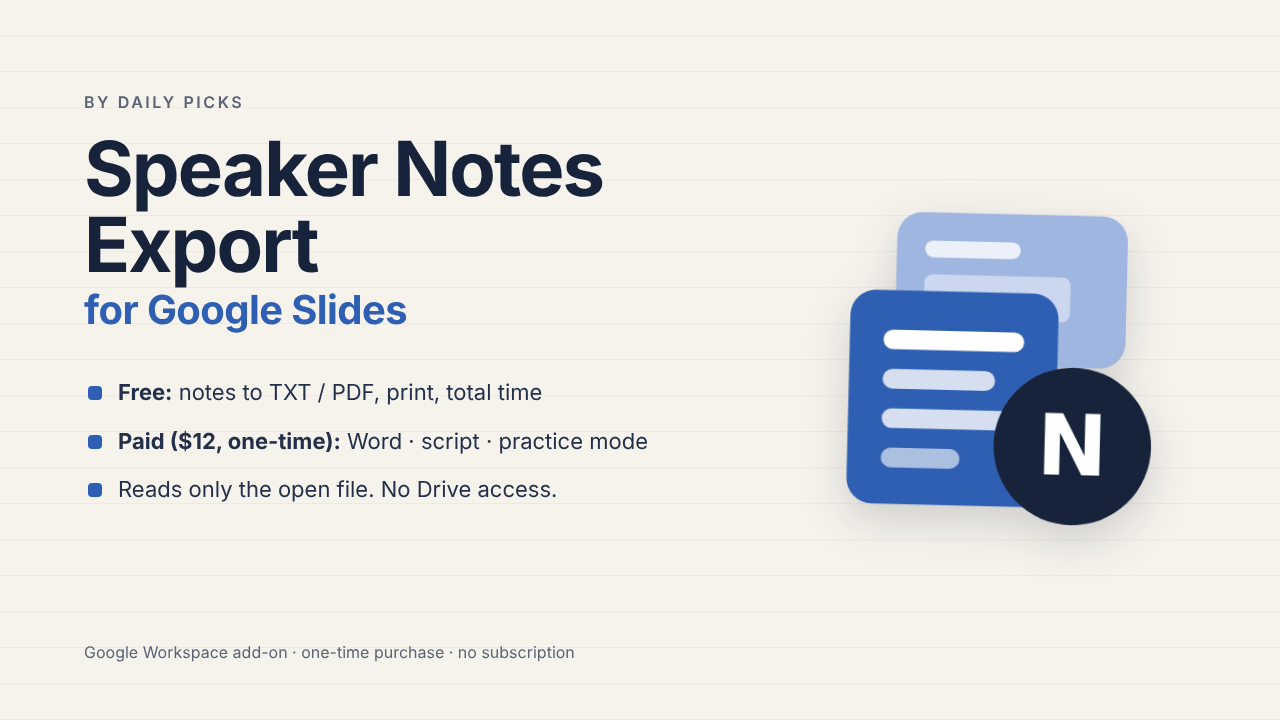
Speaker Notes Export for Google Slides
Export only the speaker notes of a Google Slides deck to PDF, Word or text, print a large-type script, check your speaking time and rehearse in practice mode. Access to the open presentation only, no Google Drive. Free to use; paid version $12, one-time.
スライドのスピーカーノートだけを PDF・Word・テキストに。台本の印刷・発表時間の目安・練習モード。開いているスライドだけの権限で、Google ドライブには触れません。無料で使え、有料版は $12 の買い切り
Learn more →
User guide with screenshots →
使い方ガイド(日本語)→
Google Workspace Marketplace: under review(審査中)
For Google Slides (English)
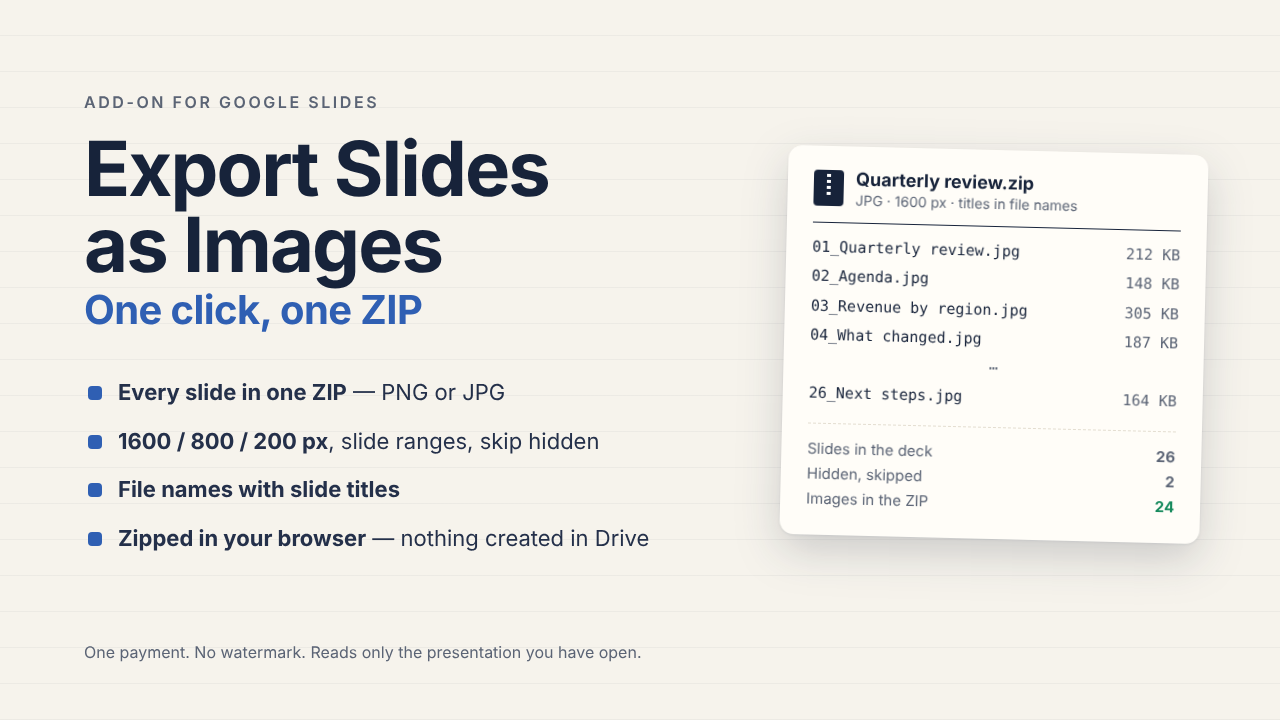
Export Slides as Images
Every slide of a Google Slides presentation, as PNG or JPG, in one ZIP — named in order. Reads only the presentation you have open; nothing is created in your Drive. One-time purchase, no watermark.
Learn more → ・ Install from the Google Workspace Marketplace →
User guide with screenshots →
使い方ガイド(日本語)→
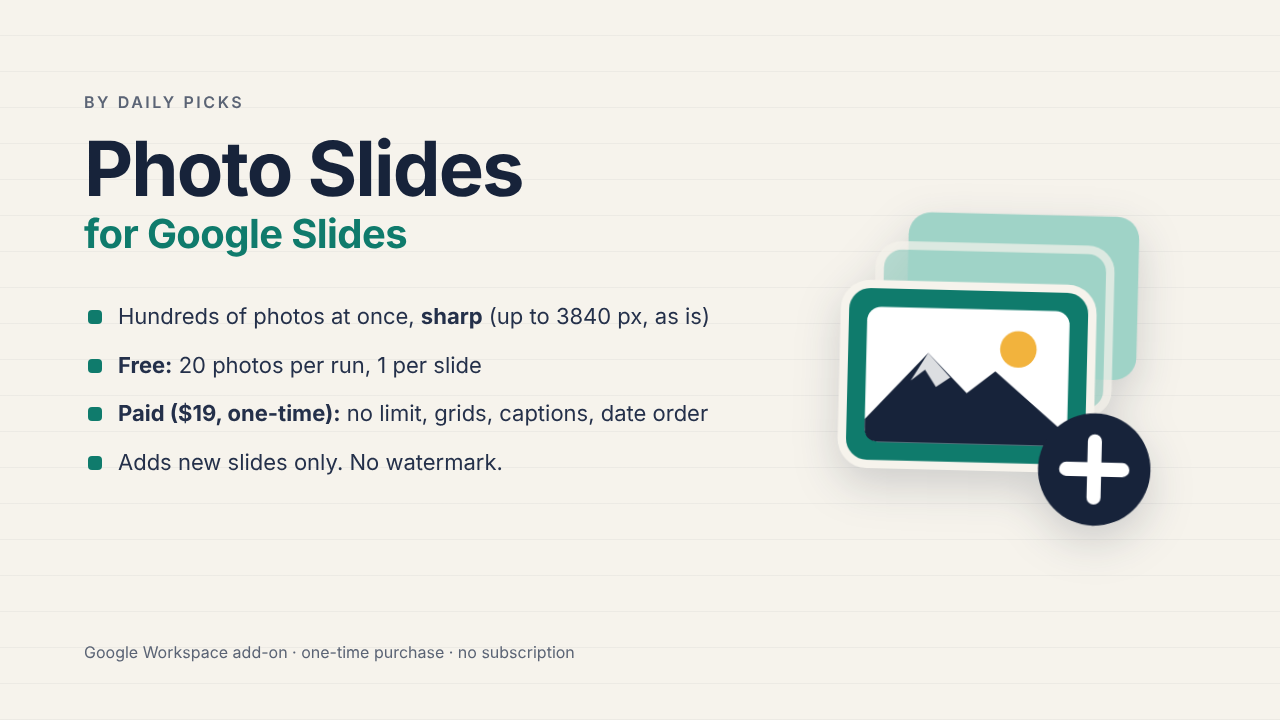
Photo Slides for Google Slides
Insert hundreds of photos from your computer into Google Slides, sharp — photos up to 3840 px go in as they are. One per slide or in grids. One-time purchase, no watermark.
Learn more →
User guide with screenshots →
使い方ガイド(日本語)→
Install from the Google Workspace Marketplace →
For Google Forms (English)
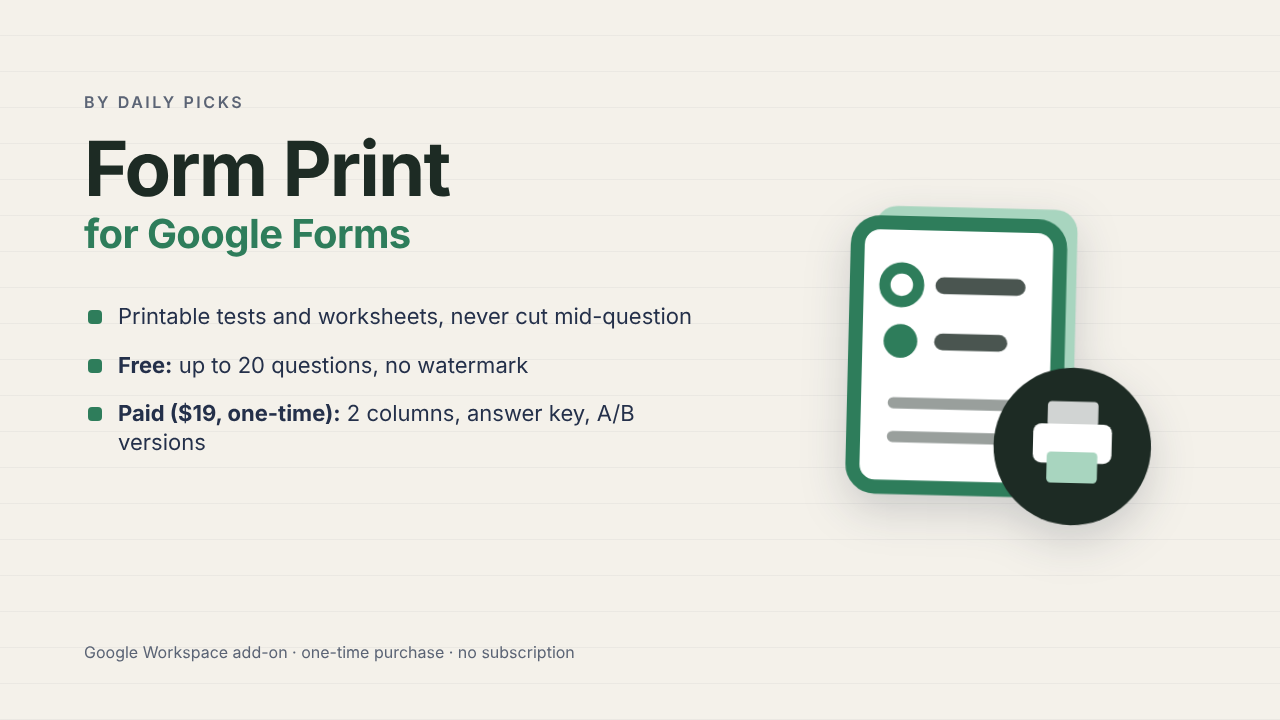
Form Print for Google Forms
Turn your Google Form into a printable test or worksheet. Questions are never cut in half across pages, and you can also print an answer key and an A/B version. Try every paid feature free for 7 days.
Learn more →
User guide with screenshots →
使い方ガイド(日本語)→
Install from the Google Workspace Marketplace →
For Google Calendar (English)
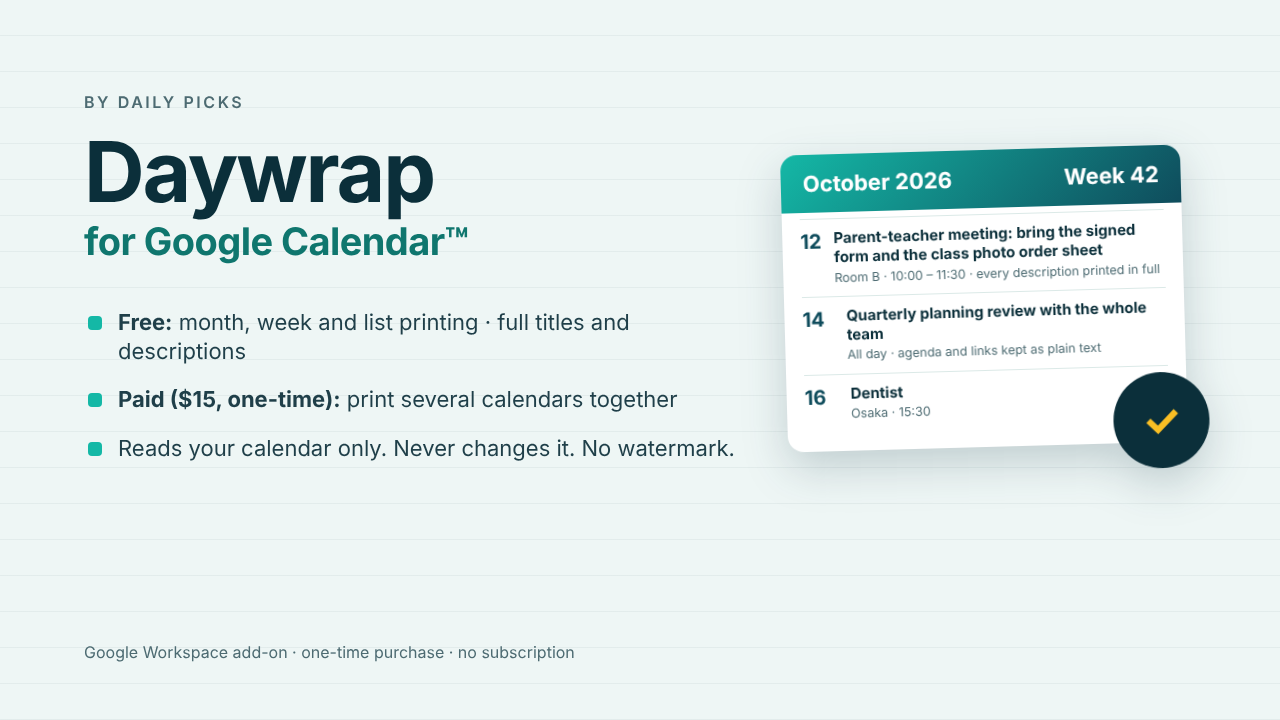
Daywrap for Google Calendar™
Print Google Calendar™ months, weeks and day-by-day lists on one readable page — with every event title in full and every description included. It only reads your calendar and cannot create, change or delete anything. The paid version is a one-time purchase.
Learn more →
User guide with screenshots →
使い方ガイド(日本語)→
Install from the Google Workspace Marketplace →
有料版の販売は Gumroad(販売事業者)を通じて行います。お問い合わせ:dailypicks.blog@gmail.com / Paid add-ons are sold through Gumroad as merchant of record. Contact: dailypicks.blog@gmail.com