~ notes on everyday life in Japan ~

Google Workspace How-to

Google Workspace How-to

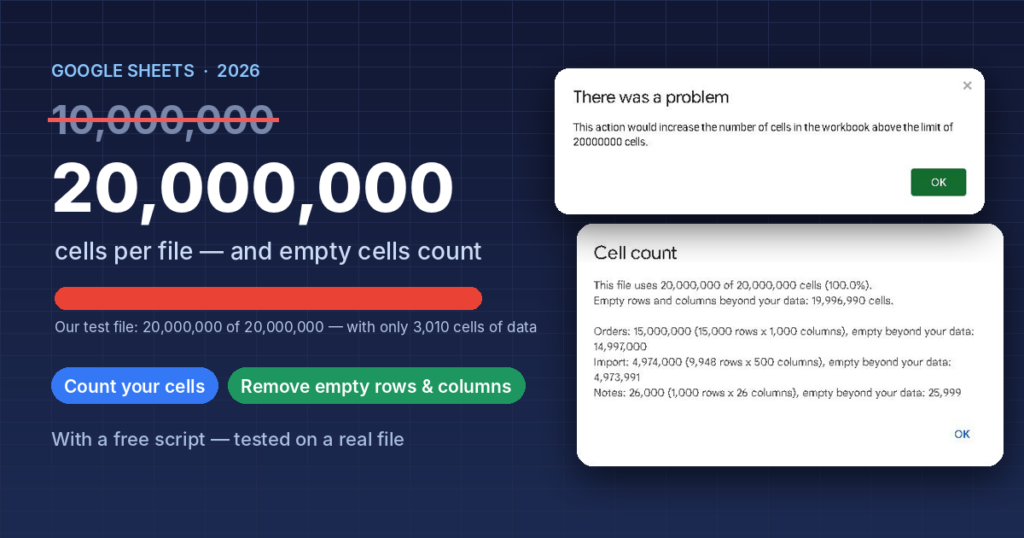
Google Sheets Cell Limit Is Now 20 Million — and Empty Cells Count (How to Check and Free Up Space)

Google Sheets raised its limit from 10 to 20 million cells in September 2026, but empty rows and columns still count. We filled a test file to the limit, then used a free script to count every tab and remove 19,996,990 empty cells without touching the data.
Google Workspace How-to

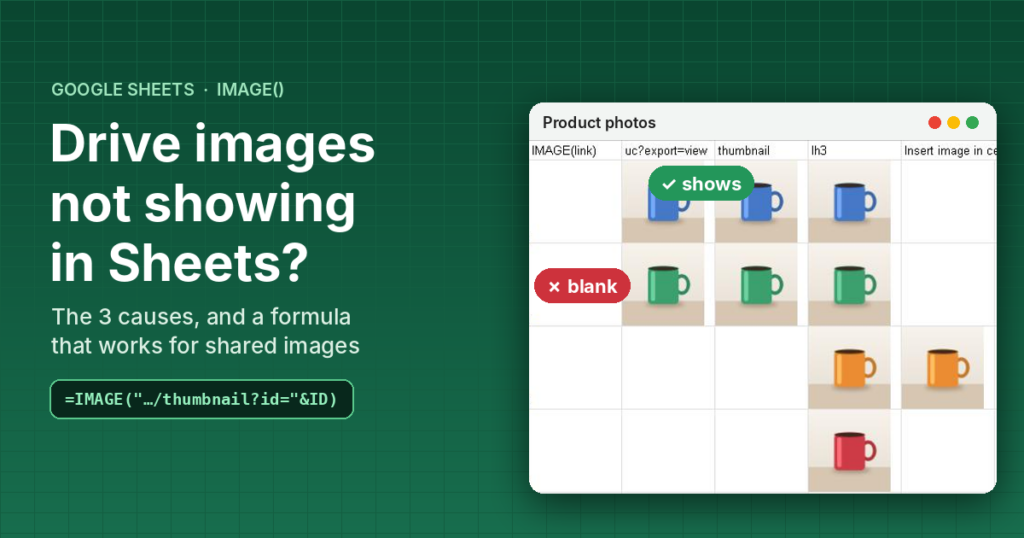
Google Drive Images Not Showing in Google Sheets IMAGE()? 3 Causes and a Formula That Works

IMAGE() shows nothing or #REF! with a Google Drive link? We tested shared and restricted images side by side: the three causes, a formula that turns any Drive link into an image, a whole-column version, and the built-in way for private images.
Google Workspace How-to

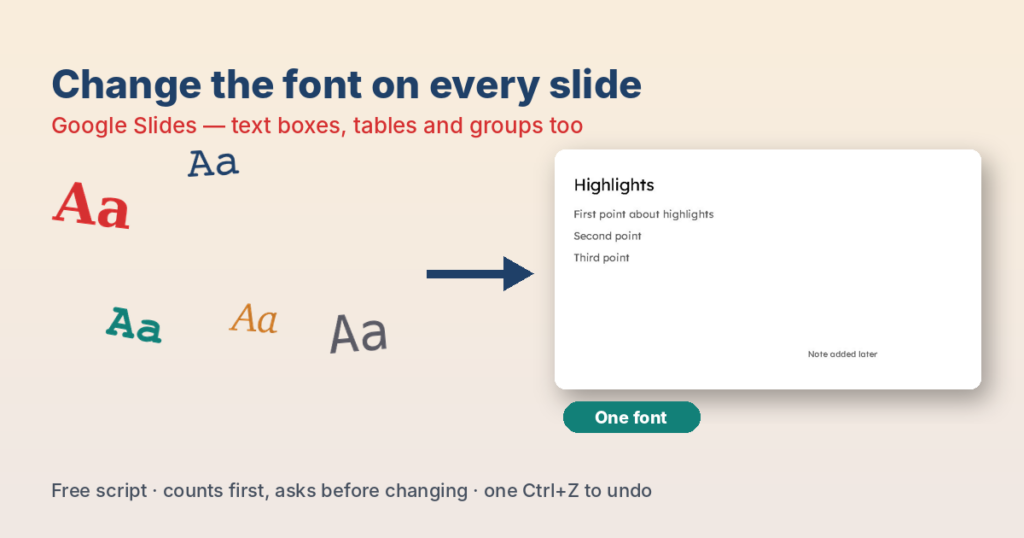
How to Change the Font on All Slides in Google Slides (Even When the Theme Doesn’t Work)

Edit theme only changed your titles? Here is why Google Slides keeps some fonts, and a free script that changes the font in every text box, shape, table and group on every slide — with a count and a confirm first.
Google Workspace How-to

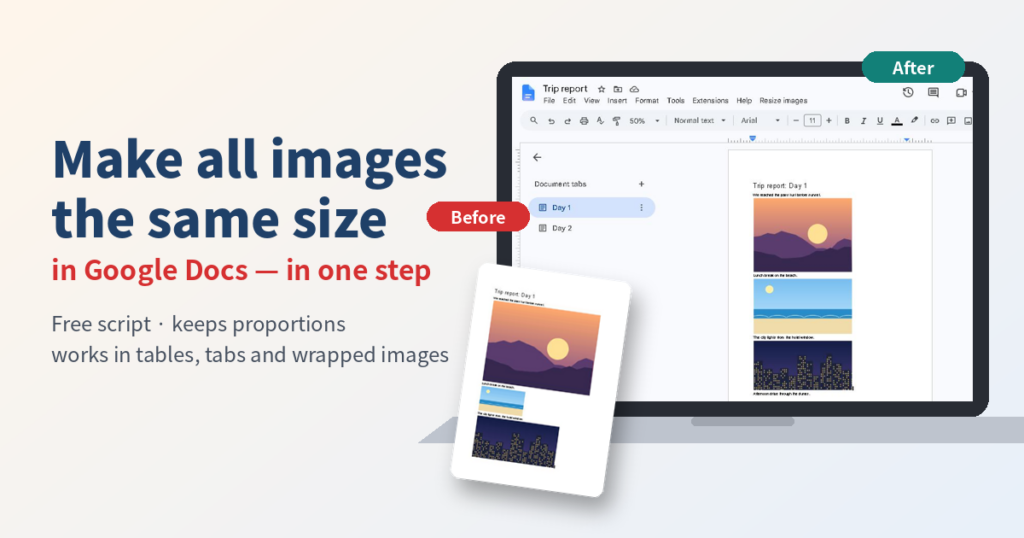
How to Resize All Images in Google Docs at Once (Same Width, Keep Proportions)

Google Docs has no "resize all images" button. Here is the quick manual way for a few images, and a free, tested script that makes every image the same width in one step, including tables, wrapped images and all tabs.
Google Workspace How-to

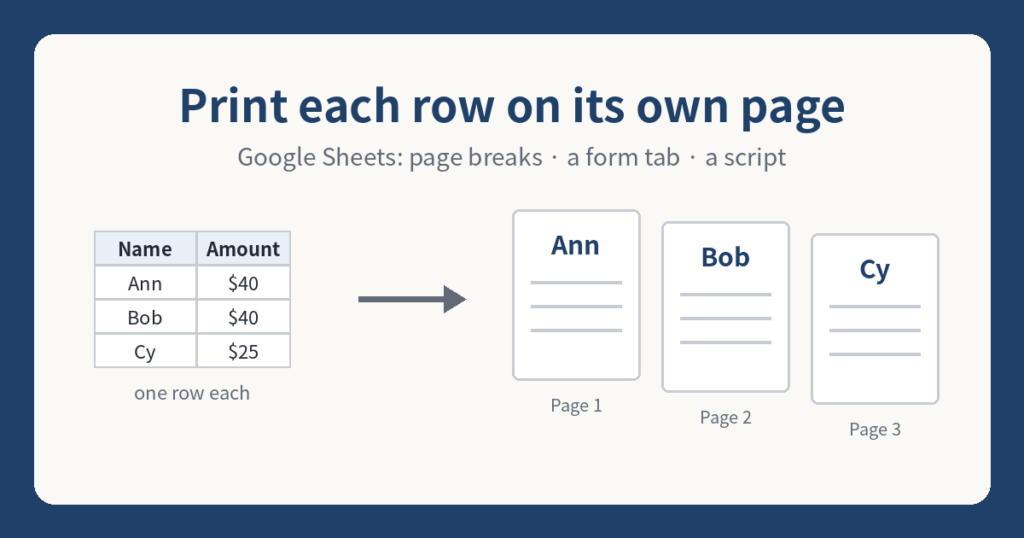
How to Print Each Row on a Separate Page in Google Sheets (or Print One Row as a Form)

Google Sheets has no "one row per page" button. Here are three ways that work: custom page breaks, a one-row form tab, and a short script that makes a Doc with one row per page.
Google Workspace How-to

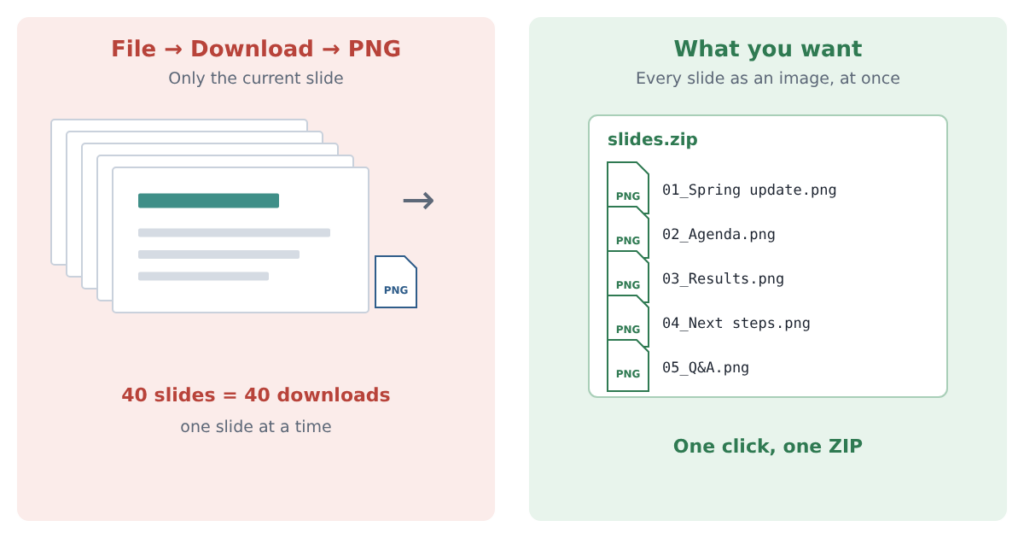
Download Every Slide as an Image at Once — Google Slides to PNG or JPG

Google Slides downloads PNG and JPEG one slide at a time. Here are the ways to get every slide as an image at once, and which fits your situation.
Google Workspace How-to

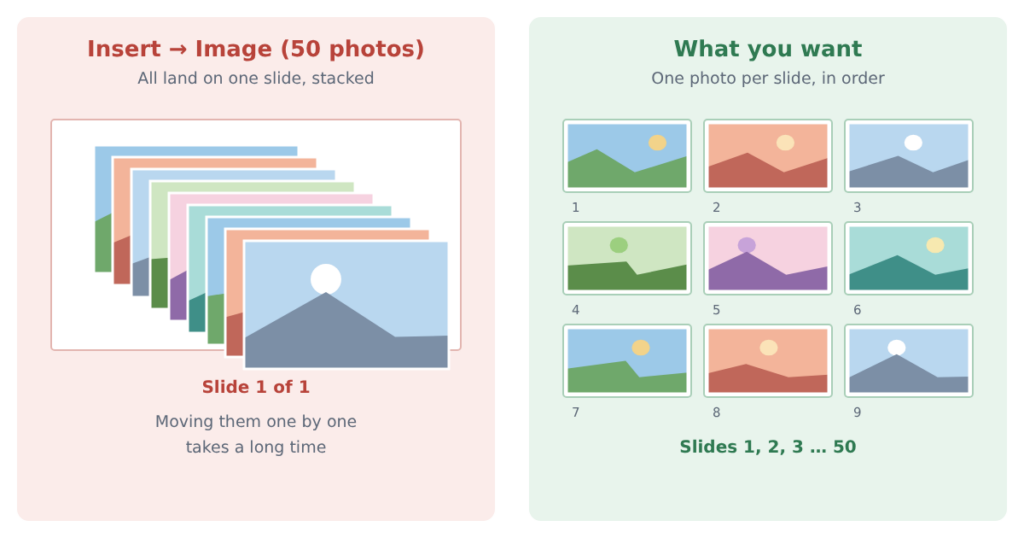
Put Each Photo on Its Own Slide in Google Slides — Hundreds at Once, Without Blurry Images

Inserting many images in Google Slides stacks them all on one slide. Here are four ways to get one photo per slide, which fits your situation, and how to keep the photos sharp.
Google Workspace How-to

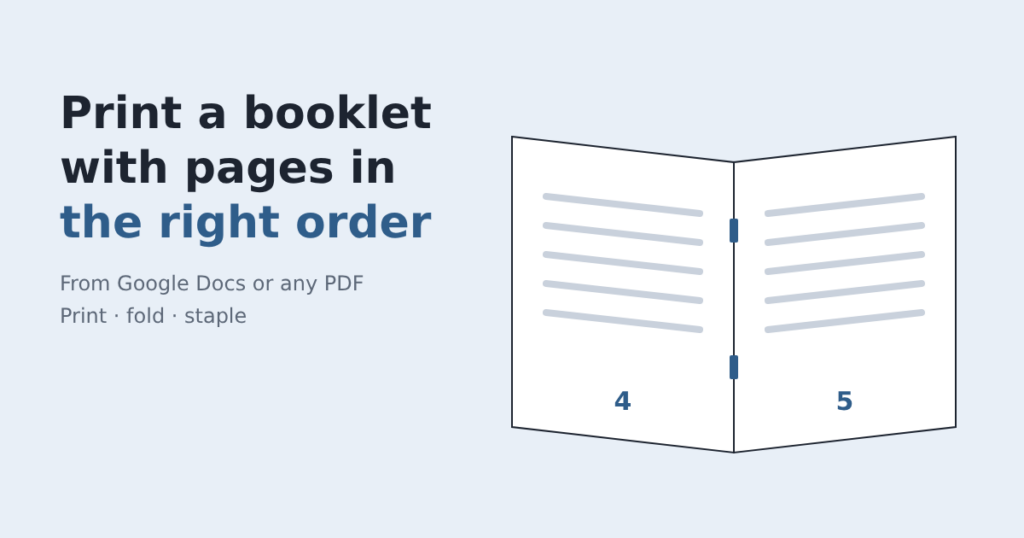
Booklet Pages Printing Out of Order? How to Print a Booklet at Home (from Google Docs or Any PDF)

If your booklet comes out in the wrong page order, the pages need to be rearranged for folding. Here is the free fix for any PDF, plus the Google Docs steps.